

mcp · ai writing · developer tools
Same Manuscript. Any Chat Window You Open.
JP LeBlanc · September 23, 2026 · 5 min read
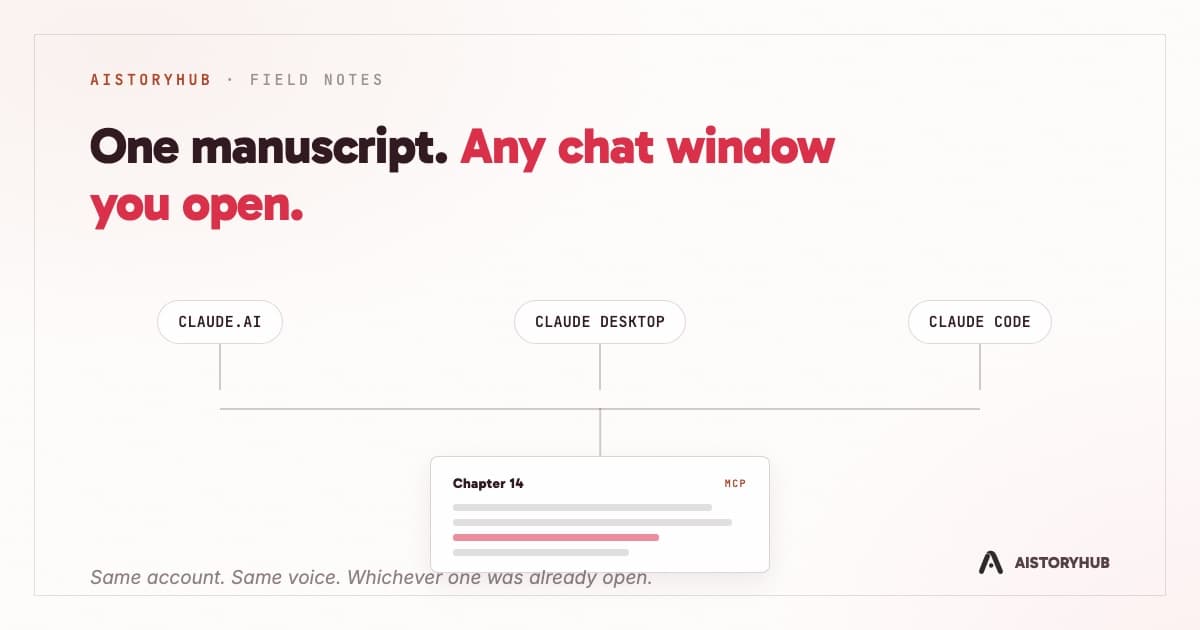
Claude Code lives in a terminal. Claude Desktop lives on your desktop. claude.ai lives in a browser tab you already have eleven of open. None of them, until now, had any idea your manuscript existed.
That changed with the AIStoryHub MCP server. MCP stands for Model Context Protocol, and the plain-language version is simpler than the acronym: it's a way for an AI chat app to connect to an outside account and use real tools inside it, the way installing a browser extension lets a page do more than just sit there and display text. Anthropic built the protocol, and most AI chat clients speak it by now, which means one connection to AIStoryHub works the same whether you're typing into Claude Desktop on your laptop, claude.ai in a tab, or Claude Code at the command line. You stop copying a chapter into a chat window and hoping the paragraph breaks survive the paste. The chat window reaches into your account and reads the chapter itself.
Connecting Claude to your account
Which two minutes this takes depends on which client you're using. In claude.ai or Claude Desktop, open Settings, then Connectors, add a custom connector, and point it at https://aistoryhub.co/mcp/mcp. Claude opens your browser to AIStoryHub's own sign-in screen rather than a token field. Sign in, read the permissions on the consent screen, click Allow. That flow runs through a real OAuth 2.1 authorization server, PKCE-only, with dynamic client registration, so no password or token ever passes through Claude itself. It's documented with screenshots at /install-mcp.
Claude Code and Cursor don't have a one-click connector yet, so they take a scoped API token instead. Create one under Settings, Developer API, choose which scopes it should carry (read-only on your world bible, say, or full write access to chapters), and run:
claude mcp add --transport http aistoryhub https://aistoryhub.co/mcp/mcp \
  --header "Authorization: Bearer ash_your_token_here"
Same server either way, a header instead of a browser redirect. The full scope list and manual config for other MCP clients live at /developers.
What a session actually looks like
Once it's connected, you talk to it the way you'd talk to any assistant, and the tool calls happen underneath. Ask it to list your stories and it calls list_stories. Ask what's already established about a character before you draft a scene involving them, and it calls get_world_entry to pull the actual canon record instead of guessing. Ask it to draft the next chapter in your pinned voice, and it calls generate_prose, the same engine behind Generate Pro in the app, grounded in whatever Voiceprint, Story Rules, and world entries you point it at, and running on your own connected AI provider key the same free, bring-your-own-key way as everywhere else.
The chapter tools cover the manuscript directly: create_chapter, get_chapter, update_chapter, list_chapters, plus two tools for changes that don't need any AI judgment at all. apply_edit swaps one exact, already-written span of text for another. find_replace renames something everywhere it appears in a chapter, or across the whole manuscript, in one deterministic pass. Neither touches a model. Both are just text operations with a name.
Past the chapter tools sit the prose passes: generate_prose to draft, revise_text to rewrite against an instruction, grit_pass to rough up prose that reads too smooth, editorial_pass for structural and line notes anchored to your actual paragraphs, and self_check, which runs the same cliché-corpus detectors behind the free Slop Checker against a chapter or a pasted passage and hands back a score before you decide whether a pass is even worth running. That list is slow by design. A full draft or a structural pass over a long chapter takes minutes, not seconds, so the server holds a generation call open for up to twenty-six minutes rather than assume every client's default timeout would forgive a provider that's still thinking.
Everything else in the account is reachable the same way. World entries, characters, locations, factions, items, lore, come and go through create_world_entry, update_world_entry, and list_world_entries. Voiceprints, the 33-dial style profiles from Style Lab, can be listed, built, or pinned to a story with set_story_voice so generate_prose grounds itself in the right voice without you restating it. Story Rules work as a separate, reusable instruction library you can build and edit from the chat itself. And four kinds of memory, preference, feedback, context, and reference, let you tell it something once, a hated exclamation point, a deadline, a name spelled with one L, and have it stick across sessions without repeating yourself.
Draft first, save second
The one distinction worth understanding before you turn any of this loose on a manuscript you care about: generate_prose, revise_text, and grit_pass all return text. None of them save anything. A model can call generate_prose a dozen times in one session, trying an opening line five different ways, and touch zero bytes of your actual chapter. Saving is a separate, deliberate step. update_chapter is the only tool in that chain that writes, and the server's own instructions to the model spell out the order: create the chapter first if it's new, generate the prose, then call update_chapter with exactly the text generate_prose returned as the content. Nothing in between happens on its own.
Destructive calls get a second layer on top of that. delete_chapter, delete_world_entry, delete_voiceprint, and delete_rule all refuse the first time you call them. Instead of deleting anything, that first call fails and describes exactly what would be lost. Only a second call, with confirm set to true, actually carries it out. We built it that way on purpose: a model guessing wrong about which chapter to draft is an annoyance, and a model guessing wrong about which chapter to delete is a different problem entirely. Underneath all of it, a token only carries the scopes you actually granted when you approved the connection. stories:write doesn't imply world:write. Revoke any of it from Settings, Developer API, and the connection stops working mid-conversation, not at the next login.
None of this replaces the editor at aistoryhub.co. Ash still lives there, with its own approval cards and its own tool set built specifically for that chat. What the MCP server adds is a second front door: the same manuscript, the same world bible, the same voice, reachable from whichever chat window happened to be open when the idea showed up. Sometimes that's the app. Lately, for me, it's just as often a terminal.